
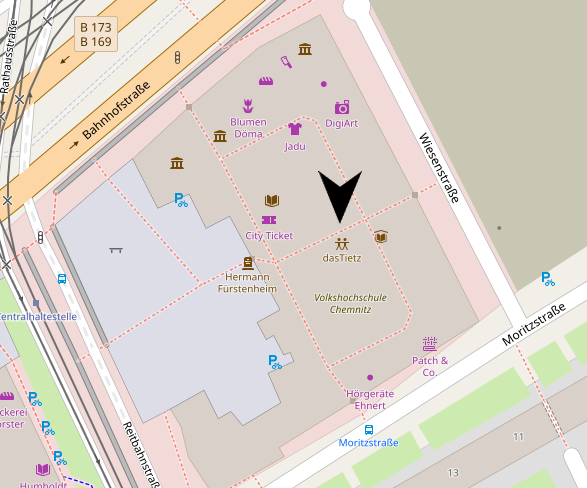
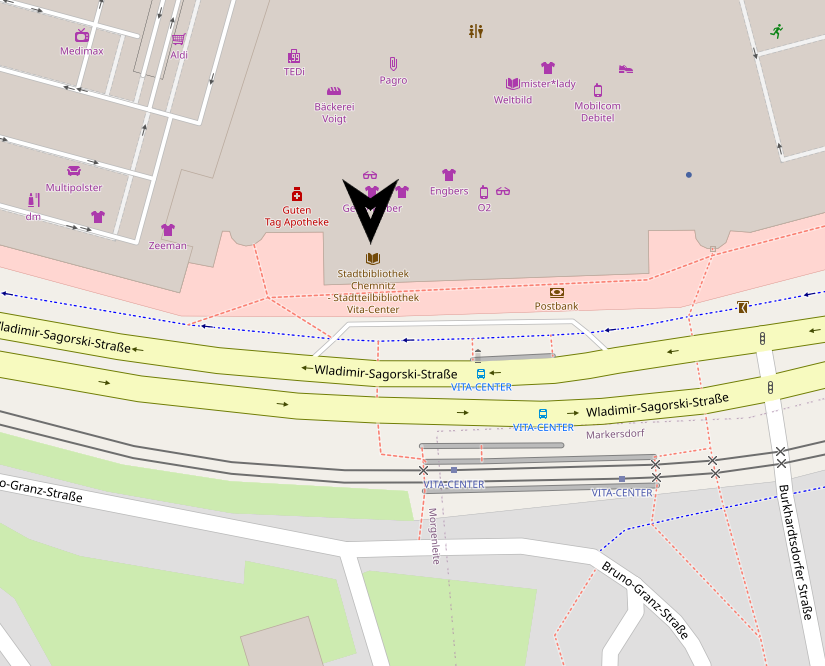
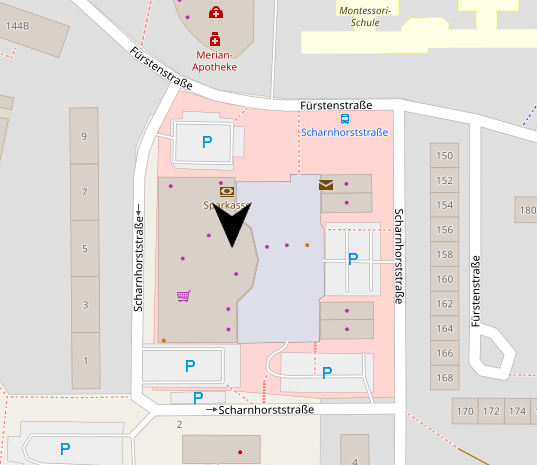
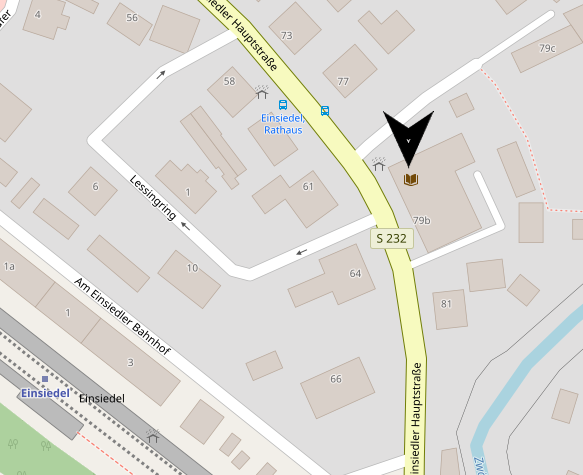

Use of BorrowBox is free with a valid library card from the Chemnitz City Library. There are also no additional costs, such as fees for reserving materials or late fees, since the materials are automatically returned at the end of the loan period.
BorrowBox
BorrowBox – English-language audiobooks and e-papers
Description
BorrowBox is a platform for digital audiobooks and magazines (e-papers) in English. You can borrow these materials just as you would at your local library and enjoy them offline.
As a registered library user, you can use this service for free. BorrowBox also does not charge any additional fees, such as late fees or reservation fees.
Usage
Login
To log in, you will need:
- User ID/ID number: Your library card number
- PIN/Password: Your OPAC password
When logging in for the first time, you will also need an email address, which will be used to send you notifications about loans or holds.
Loan Conditions
e-Audiobooks: 14-day loan period; up to 20 items may be borrowed at a time.
e-Newspapers: 1-day loan period; up to 10 items may be borrowed at a time.
It is currently not possible to renew items. However, they can be checked out multiple times. Reserved items (pre-orders) count toward the maximum number of items that can be checked out. If you have reached the maximum number of items checked out, you can return items early via "My Checkouts."
At the end of the loan period, media items are automatically "returned" and are therefore no longer available.
BorrowBox App Download:

Our Advisory Services (German Only)
Here you will find an overview of all the advisory services available regarding digital media.
Online Registration via Amt24
Would you like to register quickly and easily? Then use the online registration service on the Amt24 portal.
Our customer service team will get back to you straight away.
Stay up to Date (German Only)
We will keep you updated on new digital offerings, current promotions and upcoming events in our newsletter.
FAQ
What are the fees for BorrowBox?
What can I borrow from BorrowBox?
Through BorrowBox, you can borrow more than 500 English-language audiobooks and e-books.
How can I use BorrowBox?
BorrowBox can be used on various devices:
- On a computer, directly in a web browser (chemnitz.borrowbox.com) or via Adobe Digital Editions.
- On smartphones and tablets via the BorrowBox app (iOS and Android).
- On an e-reader, such as Tolino or Pocketbook. Unfortunately, Kindle e-readers (except for the Kindle Fire tablet) are not supported.
Log in using your library credentials:
User ID/Card Number: Your library card number
PIN/Password: Your OPAC password
Does BorrowBox also offer German-language media?
No, the range consists exclusively of English-language media.
How long can I borrow items from BorrowBox?
E-books can be borrowed for two weeks and e-papers for one day. It is not currently possible to renew these items. However, you can borrow items multiple times in succession.
How can I use BorrowBox with my e-reader?
e-papers can be read on an e-reader, but e-audiobooks cannot.
Here’s how to do it:
In your browser:
- Borrow an e-paper of your choice.
- Go to My Loans
- Click on the e-paper and then on Read
- Click on Request e-reader download code
- On your e-reader:
- Connect your device to Wi-Fi
- Open your e-reader's browser
- Enter the URL code.borrowbox.com
- Enter the eReader download code displayed on your PC
- Now click Download ePaper and then Open
- Enter the passphrase displayed on your PC. This step is only necessary when downloading BorrowBox titles to your eReader for the first time.
Alternatively, you can use Adobe Digital Editions. You will need an Adobe account to do this. You can find more information here: https://chemnitz.borrowbox.com/help
Can I return media items early?
Yes, you can return items early via the app or your browser under ‘My Loans’. If the item has been opened outside the BorrowBox app or browser (e.g. in Adobe Digital Editions), it must be returned there. You can return items early to make them available to other users, or if you have reached the maximum number of items you can borrow.
Can I use BorrowBox offline?
Yes, media files must be downloaded within the app before you can read or listen to them. Once downloaded, they can be accessed offline. In the browser, you can only stream e-audiobooks. You can stream or download e-papers there and read them offline using Adobe Digital Editions. You will need an Adobe account to do this. Download AdobeDE.
Can I reserve items that have been borrowed by other users?
Yes, you can reserve items that are currently on loan. The item will be automatically loaned to you as soon as it becomes available again. Please note that a reservation counts towards your maximum number of loans. You can cancel reservations under ‘My Loans’. There is no charge for making a reservation.